Overview
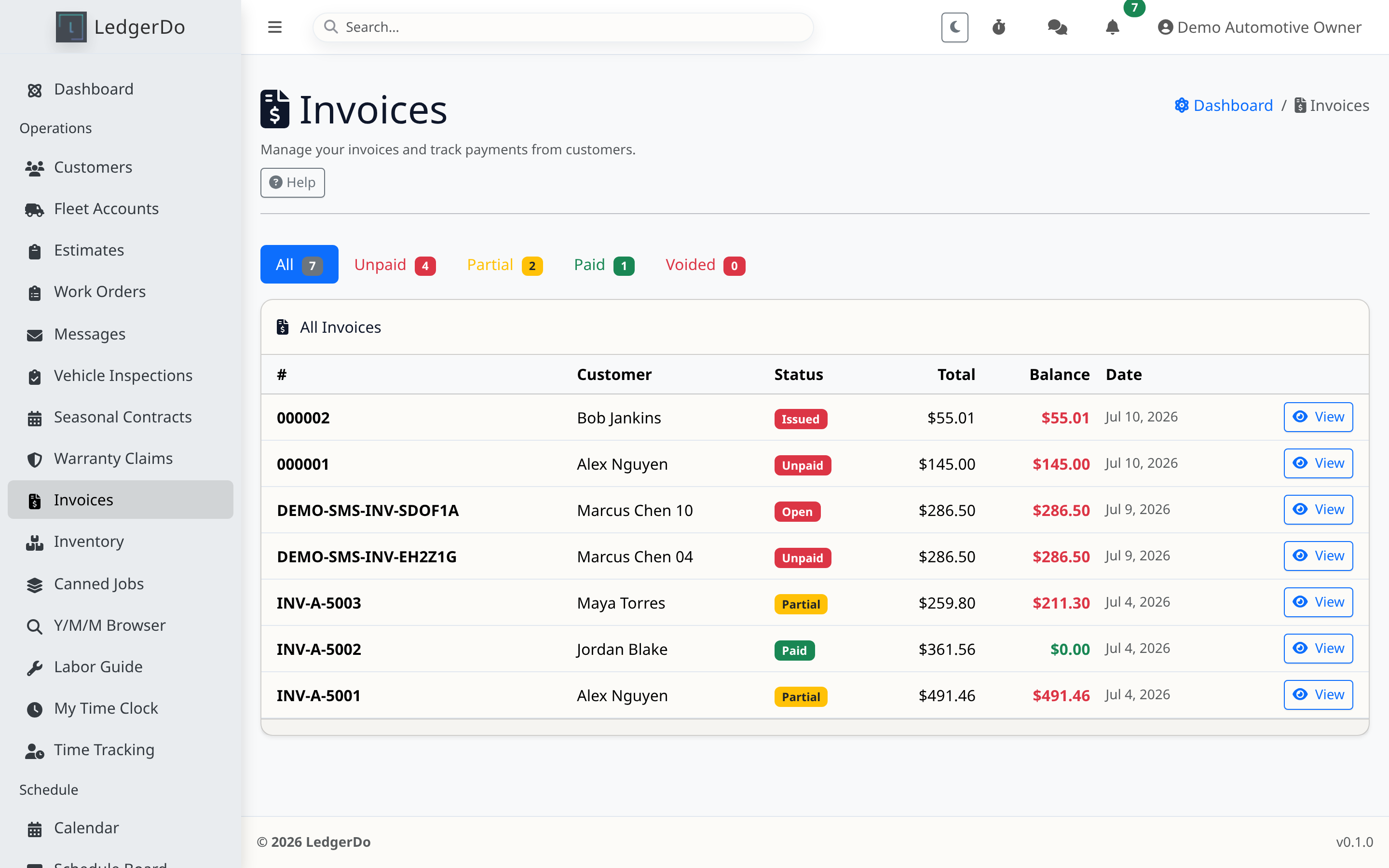
Invoices work best when they are created from the final job record so the labor, parts, and taxes reflect what actually happened. Customers should be able to understand the balance and payment expectation immediately.
Before you begin
- Finish the underlying work order or review the estimate conversion so billing matches the approved work.
- Confirm the due date, balance, and any customer note or policy that should appear on the invoice.
Steps
- Create the invoice from the completed work when possible instead of retyping charges manually.
- Review line items, totals, taxes, discounts, and the remaining balance before sending.
- Confirm the customer-facing delivery method and whether online payment should be available.
- Send the invoice and monitor its viewed/payment status from the invoice record.
Tips
- Short customer notes are better than long paragraphs. Put operational detail in the work order instead.
Troubleshooting
- If the invoice total looks wrong, compare it to the source work order or estimate before editing the invoice directly.
- If the customer did not receive it, verify the address and review outbound email troubleshooting steps.
- If online checkout is missing, confirm the payment provider is connected and enabled.
Related articles
- Accepting customer payments
- Connecting Stripe or Square payments
- What to do when emails are not received
Need more help
If invoice sending appears successful but customers still cannot view or pay it, include the invoice number and whether the problem is email, portal access, or checkout.