Overview
LedgerDo is easiest to roll out when you set up your business details first, then run one real customer workflow from start to finish. Your goal is to confirm that estimates, work orders, invoices, customer communication, and payments reflect how your shop actually works.
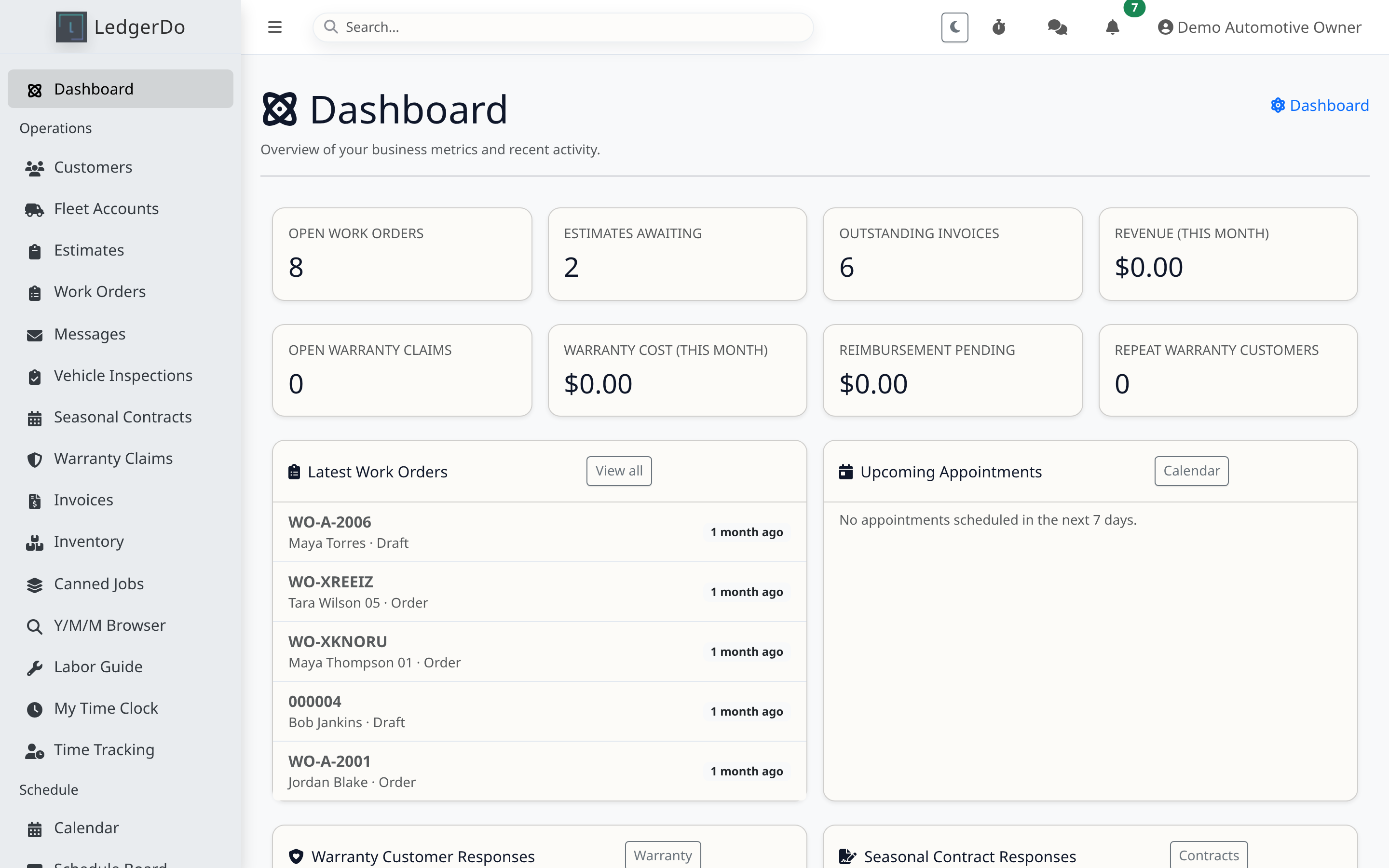
Before you begin
- Decide whether your team starts jobs from estimates, work orders, or both.
- Gather your logo, business hours, phone number, tax settings, labor rates, and preferred payment processor details.
- Use demo customers and vehicles while training so you do not expose live customer information in screenshots or test messages.
Steps
- Open Settings and complete your company profile, branding, and contact details.
- Review taxes, labor defaults, terms, and any core service items your staff will use every day.
- Invite key users and confirm their permissions before they begin entering work.
- Create one demo customer and, if you are an automotive tenant, one demo vehicle.
- Create either a first estimate or first work order, then follow it through to invoice and payment.
- Verify that your support/help links, portal links, and outbound messages reflect the correct company information.
Tips
- Start with your most common workflow first. You can add edge cases after the team is comfortable.
- Use short internal notes and consistent statuses so the schedule board and search results stay useful.
Troubleshooting
- If printed or emailed documents show the wrong branding, recheck your company profile and logo settings.
- If a workflow feels too complicated, trim unused services, statuses, or templates until the core process is clean.
- If users cannot access pages they need, review team permissions before assuming the feature is broken.
Related articles
Need more help
If your first end-to-end test still does not match your workflow, open a support request and include which step breaks down and what record you were working from.